Chamberlain Opener Error Code 1-3: Meaning and Fix

Also shown as: 13, Up 1 Down 3
Reading the opener display
A garage door opener reports faults through blinking LEDs on the motor head, a diagnostic window on the logic board, or the wall control. Count the flashes slowly and repeat the count before you decide what you saw. Chamberlain boards use the same flash chart as LiftMaster; the Learn button color matters.
Chamberlain makes the openers sold at home centers and shares its logic boards and diagnostic code tables with LiftMaster and Craftsman. The faults show as a flash count on the Learn LED or the motor-head display. The codes apply to model numbers such as B4505T and B2212T; check the label on your unit to confirm yours.
What causes 1-3
- The two wall-control wires shorted behind the panel or at a staple
- Wires touching at the opener terminals
- A failed or water-damaged wall control
- Mice or rodent damage to the cable
How to fix it
- Disconnect the wall control wires at the opener and see if the code clears.
- If it clears, inspect the wire run and the back of the wall control for pinches or bare copper.
- Remove the wall control and strip back clean copper, then reconnect.
- If wiring is clean, swap in a known good wall control.
- Reconnect and test from the wall control and a remote.
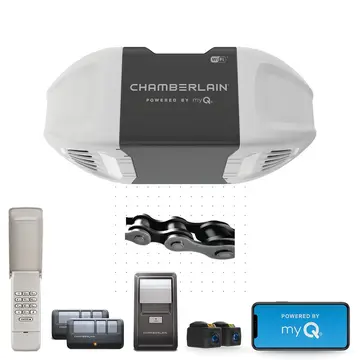
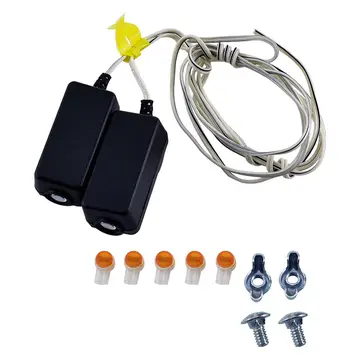
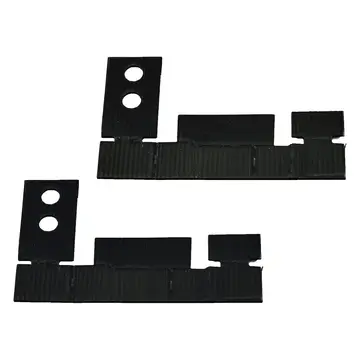
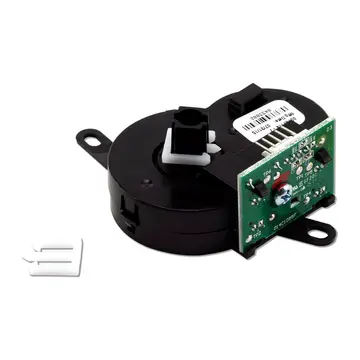
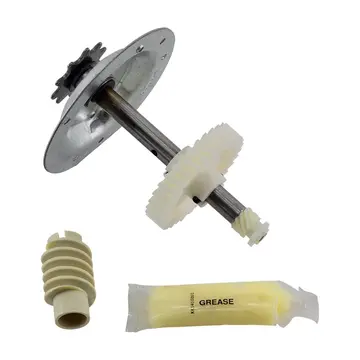
Parts you may need
Questions
What does error 1-3 mean on Chamberlain?
The wall control circuit is shorted or disconnected.
Will remotes still work?
Often yes, since remotes use radio rather than the wall wire.
Why is my wall control blank?
A shorted control wire is a common reason; check the cable before buying a new panel.
Other Chamberlain opener codes
Sources
Part numbers are OEM references; confirm fit by your model number before ordering. Meanings compiled from manufacturer and parts-retailer documentation; see sources below. Unplug the appliance before opening it.
Applies to models including B4505T, B2212T, B6713T, B2202T, C2405T, RJO20.