LG Range Error Code F6: Meaning and Fix

Reading the range display
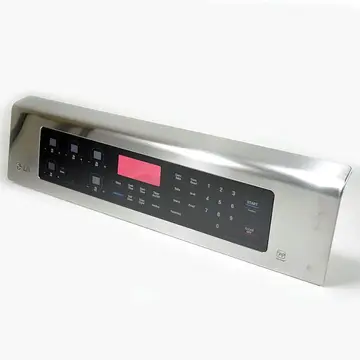
On a range or oven the fault appears on the clock or oven display, often with a beep. Press Cancel or Clear once to silence it, and write the code down first. LG codes are short letter pairs; a capital O differs from a zero.
LG appliances show short alphabetic codes (OE, IE, UE on washers, Er plus letters on refrigerators) and, on ThinQ models, a Smart Diagnosis option. LG also builds many Kenmore Elite units. The codes apply to model numbers such as LDF7774ST, LDT5678SS and DLEX3900B; check the label on your unit to confirm yours.
What causes F6
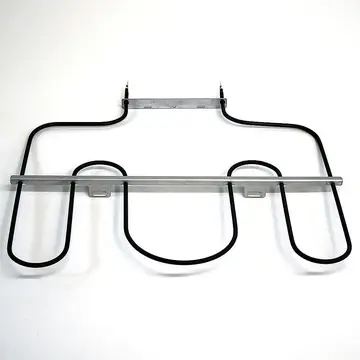
- Failed bake or broil element
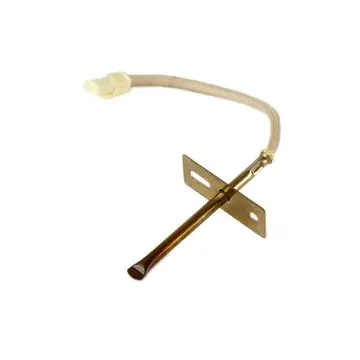
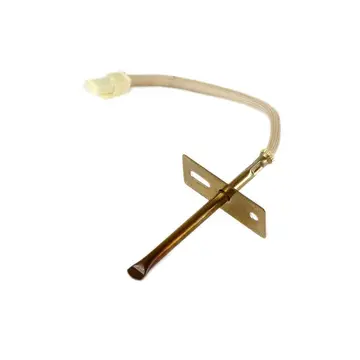
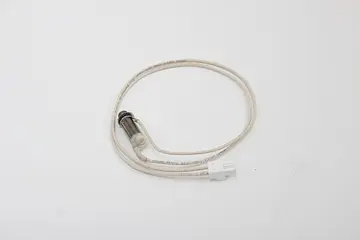
- Bad temperature probe
- Loose element wiring
- Relay failure on the control board
How to fix it
- Press CLEAR/OFF and try the original function again.
- If the code comes back, turn the range's circuit breaker off, wait 30 seconds, and switch it back on.
- Inspect the bake and broil elements for blisters or breaks while the oven is cold.
- Run the function once more and watch whether the code returns.
- If the code persists or you cannot perform the check, schedule a repair; most of these faults need a technician.
Parts you may need
| Part | Part no. | Buy |
|---|---|---|
| Bake element | MEE62306405 | Find part |
Part numbers are OEM references; confirm fit by your model number before ordering. Some links are affiliate links; we may earn a commission at no extra cost to you.
Questions
Can I replace the element?
Usually yes; it is a plug-in part.
Does F6 mean no heat?
It can mean uneven or insufficient heat.
Could it be the sensor?
Yes.
Other LG range codes
Sources
Part numbers are OEM references; confirm fit by your model number before ordering. Meanings compiled from manufacturer and parts-retailer documentation; see sources below. Unplug the appliance before opening it.
Applies to models including LRE3061ST, LSGL6335F, LSEL6333F, LRG3061ST, LTE4815ST.