LG Range Error Code F21: Meaning and Fix

Also shown as: F22, F24, F25
Reading the range display
On a range or oven the fault appears on the clock or oven display, often with a beep. Press Cancel or Clear once to silence it, and write the code down first. LG codes are short letter pairs; a capital O differs from a zero.
LG appliances show short alphabetic codes (OE, IE, UE on washers, Er plus letters on refrigerators) and, on ThinQ models, a Smart Diagnosis option. LG also builds many Kenmore Elite units. The codes apply to model numbers such as LDF7774ST, LDT5678SS and DLEX3900B; check the label on your unit to confirm yours.
What causes F21
- Failed steam sensor
- Board fault
- Loose wiring
- Scale or moisture on sensor
How to fix it
- Switch the unit off at the control and try the function again.
- If the code comes back, turn the range's circuit breaker off, wait 30 seconds, and switch it back on.
- Check that the steam sensor connector is seated, and descale if your model needs it.
- Run the function once more and watch whether the code returns.
- If the code persists or you cannot perform the check, schedule a repair; most of these faults need a technician.
Parts you may need
| Part | Part no. | Buy |
|---|---|---|
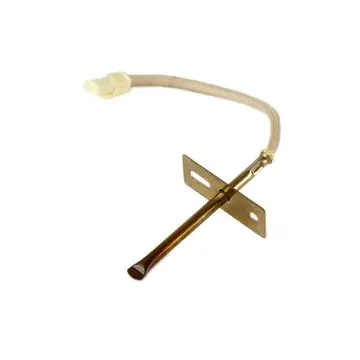
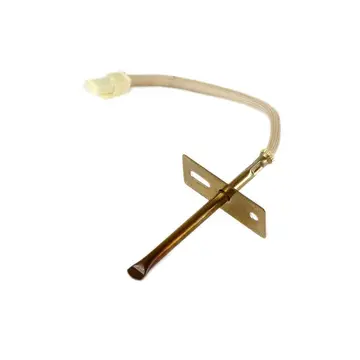
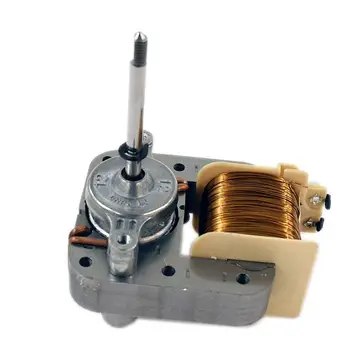
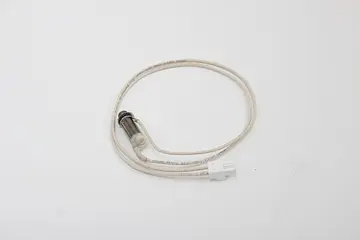
| Steam sensor | EBZ37191706 | Find part |
Part numbers are OEM references; confirm fit by your model number before ordering. Some links are affiliate links; we may earn a commission at no extra cost to you.
Questions
Which models?
Steam-equipped ranges.
DIY?
Sensor replacement is moderate.
Is F22 the same?
LG lists F22, F24, F25 as steam sensor failures too.
Other LG range codes
Sources
Part numbers are OEM references; confirm fit by your model number before ordering. Meanings compiled from manufacturer and parts-retailer documentation; see sources below. Unplug the appliance before opening it.
Applies to models including LRE3061ST, LSGL6335F, LSEL6333F, LRG3061ST, LTE4815ST.