Samsung Refrigerator Error Code 85C: Meaning and Fix

Reading the refrigerator display
On a refrigerator the code shows on the control panel or dispenser display. Some models flash a letter or alternate two characters; hold the code in view and note both. Samsung codes combine a digit with a letter, and some alternate with the cycle time.
Samsung displays numeric-plus-letter codes such as 4C, 5E or 21E, and many models run a Smart Care self-check through the app. Washers and dryers often use letter pairs, refrigerators use number plus E. The codes apply to model numbers such as DW80R5061US, DW80K7050US and DV45T6000EW; check the label on your unit to confirm yours.
What causes 85C
- Brief power outage
- Weak outlet
- Short brown-out
How to fix it
- Press OK on the display to acknowledge it.
- Confirm the refrigerator is cooling normally.
- Check the outlet is not overloaded.
- Use a surge protector if power is flaky.
Parts you may need
| Part | Part no. | Buy |
|---|---|---|
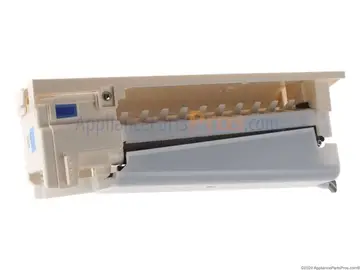
| Refrigerator Control Panel Display Assembly | DA41-00235B | Find part |
Part numbers are OEM references; confirm fit by your model number before ordering. Some links are affiliate links; we may earn a commission at no extra cost to you.
Questions
Is 85C harmless?
Yes, according to Samsung it can be cleared by pressing OK.
Will it come back?
Only if the power dips again.
Should I worry about food?
Not unless the unit stayed off for hours.
Other Samsung refrigerator codes

Sources
Part numbers are OEM references; confirm fit by your model number before ordering. Meanings compiled from manufacturer and parts-retailer documentation; see sources below. Unplug the appliance before opening it.
Applies to models including RF28R7551SR, RF28R6201SR, RF23J9011SR, RS27T5200SR, RF263BEAESR, RT18M6215SR.