Samsung Washer Error Code CL: Meaning and Fix

Reading the washer display
On a washer the code appears on the digital display or as a pattern of flashing cycle lights. Note it exactly, including any dashes or sub-codes, then unplug the washer for five minutes and run a short drain cycle to see whether it returns. Samsung codes combine a digit with a letter, and some alternate with the cycle time.
Samsung displays numeric-plus-letter codes such as 4C, 5E or 21E, and many models run a Smart Care self-check through the app. Washers and dryers often use letter pairs, refrigerators use number plus E. The codes apply to model numbers such as DW80R5061US, DW80K7050US and DV45T6000EW; check the label on your unit to confirm yours.
What causes CL
- Child Lock switched on
- Door opened while water was in the tub
- Paused cycle with the lock still active
How to fix it
- Turn Child Lock off using the panel buttons shown in your manual.
- Power the washer off, then back on.
- Close the door firmly.
- Start a drain or a fresh cycle.
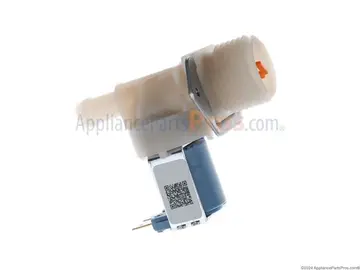
Parts you may need
| Part | Part no. | Buy |
|---|---|---|
| Washer Door Lock Switch Assembly | DC64-00519B | Find part |
Part numbers are OEM references; confirm fit by your model number before ordering. Some links are affiliate links; we may earn a commission at no extra cost to you.
Questions
Is CL a fault?
No, it is a safety behavior.
How do I switch Child Lock off?
Hold the Child Lock buttons described in the manual.
Why did it drain?
It drains to remove unsafe water levels when the door is opened.
Other Samsung washer codes
Sources
Part numbers are OEM references; confirm fit by your model number before ordering. Meanings compiled from manufacturer and parts-retailer documentation; see sources below. Unplug the appliance before opening it.
Applies to models including WF45T6000AW, WF45R6100AW, WF42H5000AW, WA50R5200AW, WA45T3200AW, WF50K7500AV.