Samsung Washer Error Code PC: Meaning and Fix

Also shown as: PE, PC1, PE1
Reading the washer display
On a washer the code appears on the digital display or as a pattern of flashing cycle lights. Note it exactly, including any dashes or sub-codes, then unplug the washer for five minutes and run a short drain cycle to see whether it returns. Samsung codes combine a digit with a letter, and some alternate with the cycle time.
Samsung displays numeric-plus-letter codes such as 4C, 5E or 21E, and many models run a Smart Care self-check through the app. Washers and dryers often use letter pairs, refrigerators use number plus E. The codes apply to model numbers such as DW80R5061US, DW80K7050US and DV45T6000EW; check the label on your unit to confirm yours.
What causes PC
- Clutch module fault
- Wiring fault
- Hall sensor fault
How to fix it
- Power off and restart.
- Run a short cycle.
- Inspect the connector.
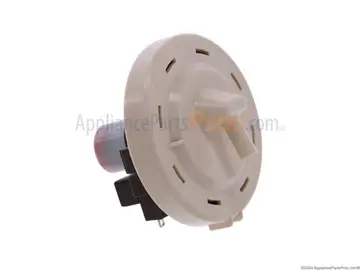
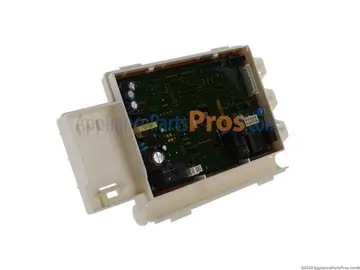
- Replace the clutch module.
Parts you may need
| Part | Part no. | Buy |
|---|---|---|
| Washer Clutch Module Assembly | DC97-16984C | Find part |
Part numbers are OEM references; confirm fit by your model number before ordering. Some links are affiliate links; we may earn a commission at no extra cost to you.
Questions
Which washers have it?
Top-load models.
Is it a major repair?
Moderate; the clutch module is a replaceable unit.
What causes it?
Wear or a failing sensor.
Other Samsung washer codes
Sources
Part numbers are OEM references; confirm fit by your model number before ordering. Meanings compiled from manufacturer and parts-retailer documentation; see sources below. Unplug the appliance before opening it.
Applies to models including WF45T6000AW, WF45R6100AW, WF42H5000AW, WA50R5200AW, WA45T3200AW, WF50K7500AV.